


Google Gemini Live: AI sees what you see
Google makes camera and screen sharing available for Gemini Live. An "intuitive helper" in real time.
(Image: Google)
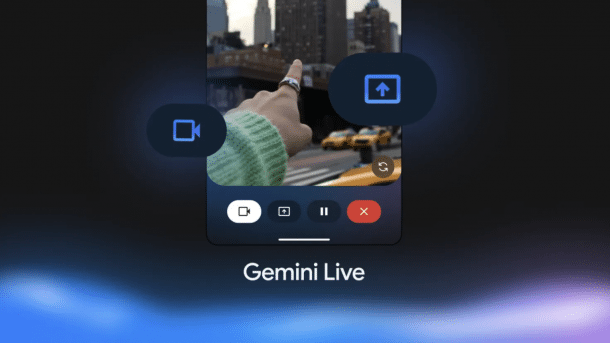
With Gemini Live, it is now possible to use the camera and screen sharing to talk about content using AI. Google presented the project at the last I/O under the name Project Astra. There, someone even walked through an office wearing AI glasses and spoke to Gemini about what they saw. The function is now available for Android users. You can speak to Gemini Live in 45 languages.

(Image: afl)
Specifically, anyone with a Pixel 9 and the Samsung Galaxy S25 can access the Gemini Live function. This is possible with both free access and an advanced account with Gemini. Anyone with Advanced access on an older Android device can also use Gemini Live. Google sees the function as “intuitive, real-time help” for everyday tasks. This ranges from “styling advice and technical support to brainstorming interior design ideas”.
In a blog post, Google writes as an example that Gemini Live can help with a blocked drain or a record player that doesn't want to play the way you want it to. You simply point the camera at it and ask what's wrong. Gemini responds in real time. This also applies to documents on the screen for which Gemini can provide feedback. Google cites social media campaigns as an example where the AI assistant can help.
Videos by heise
Gemini Live is roughly equivalent to OpenAI's Advanced Voice Mode. Both are available as an app. Meta has already implemented a similar function in Ray-Ban glasses with Meta AI. Both Google and OpenAI are also said to be working on this.


(emw)


