


Microsoft Lens: end for mobile PDF scanner
The Microsoft Lens app for Android and iOS will soon be discontinued by the manufacturer. The function will be moved to the MS365 Copilot.
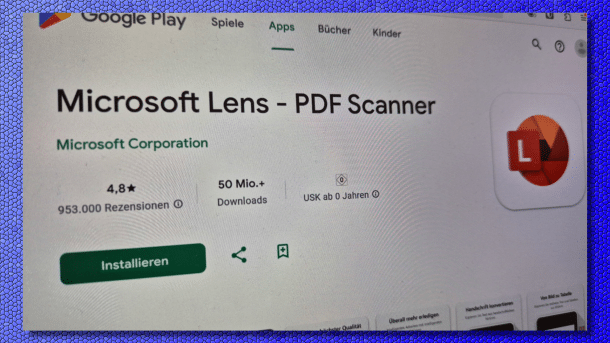
Microsoft Lens im Google Play Store.
(Image: heise medien)
Microsoft wants to discontinue the document scanner “Lens”. The popular app can convert smartphone photos into PDF documents and also extract text and tables. The Microsoft 365 Copilot will now provide the functions.
Microsoft has now announced this in a support article. The Microsoft Lens app will be discontinued on September 15, the manufacturer explains there. After November 15 of this year, there will be no more support, and Microsoft will remove the app from the Apple App Store and Google Play Store. New scans can still be created until December 15, after which it will also be discontinued.
Switch to Copilot, desired
Microsoft recommends that the tens of millions of users – the app has beyond 50 million downloads in Google's Play Store alone – switch to the Microsoft 365 Copilot app. In the support article, the company also explains how the app can be used to scan documents. Microsoft also mentions the missing functions: there is no direct saving of scans in Onenote, Word, or PowerPoint, no scanning of business cards for filing in Onenote, the read aloud function is missing and also the integration in “Plastic Reader.”
Videos by heise
As a rule, Android smartphones already have the Google Drive app on board. This can also be used to scan documents, improve their quality, and save them as PDFs. Google also offers a quick guide on how this works. This may make the installation of an additional app unnecessary. Google's file manager, “Files,” which also has an integrated document scanner, is also pre-installed on many Android devices.
Four years ago, Microsoft renamed the “Microsoft Office Lens” app to “Microsoft Lens,” gave it a new logo, and improved the camera functions with intelligent actions. This allows text to be extracted from images or tables to be generated from them, for example. It was also able to recognize contacts in images and scan QR codes.


(dmk)


